
Bring Material Intelligence Into Every Revit Project
Bi-Directional Revit integration

Dave Lemont
Executive Chairman, Acelab
.avif)
Revit Model Integration
Bidirectional sync maintains a single source of truth, saving time and eliminating errors between specs and drawings
Create
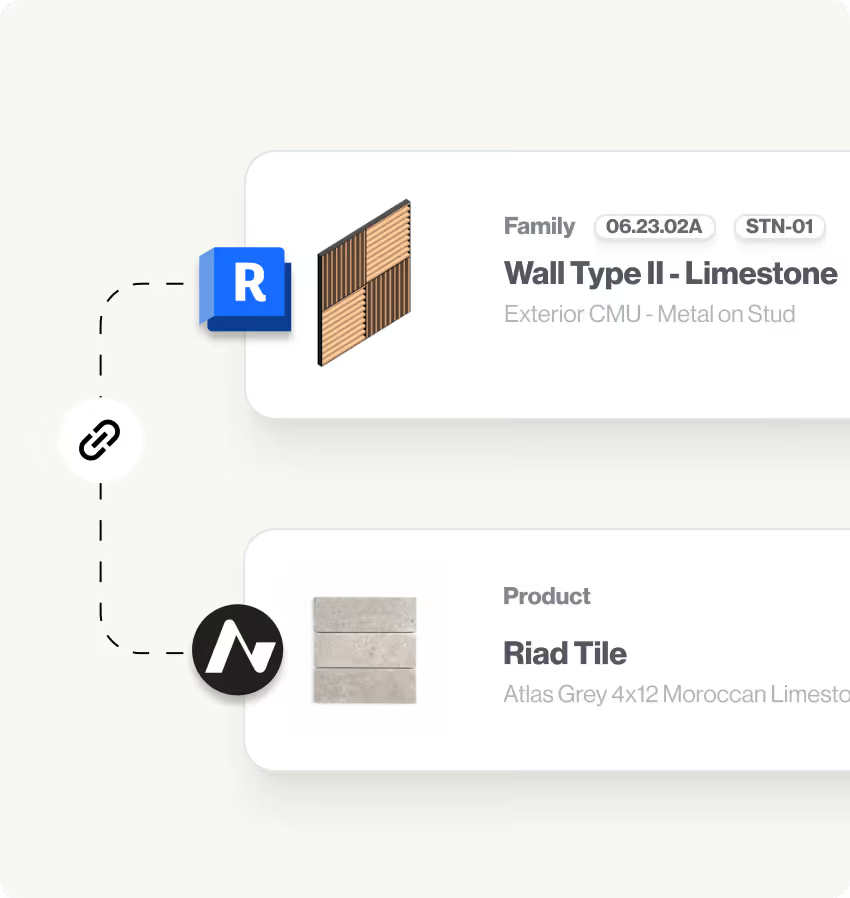

Bidirectional integration works your way — map from Acelab comprehensive product data to Revit families and materials or from Revit assets to products

Use import from filefunction file to quickly bring your existing keynote structure into your Material Hub Library of standards

Keynotes and material tags sync automatically — replacing placeholder materials with verified specifications and certifications
Integrate
Centralize your firm's material standards in one accessible location
Tag products by project type, application, and sustainability categories
Document performance notes, installation feedback, and lessons learned
Deliver
Save massive time at project deadlines — no more correcting keynotes and schedules manually in Revit
Eliminate errors and omissions by keeping specifications, drawings, and schedules automatically synchronized
Material intelligence embedded in your design process means better product decisions for every project
Revit Keynotes/tags Automation
Set Your Keynote/tag Standards Once and Let Material Hub Do the Rest
Create
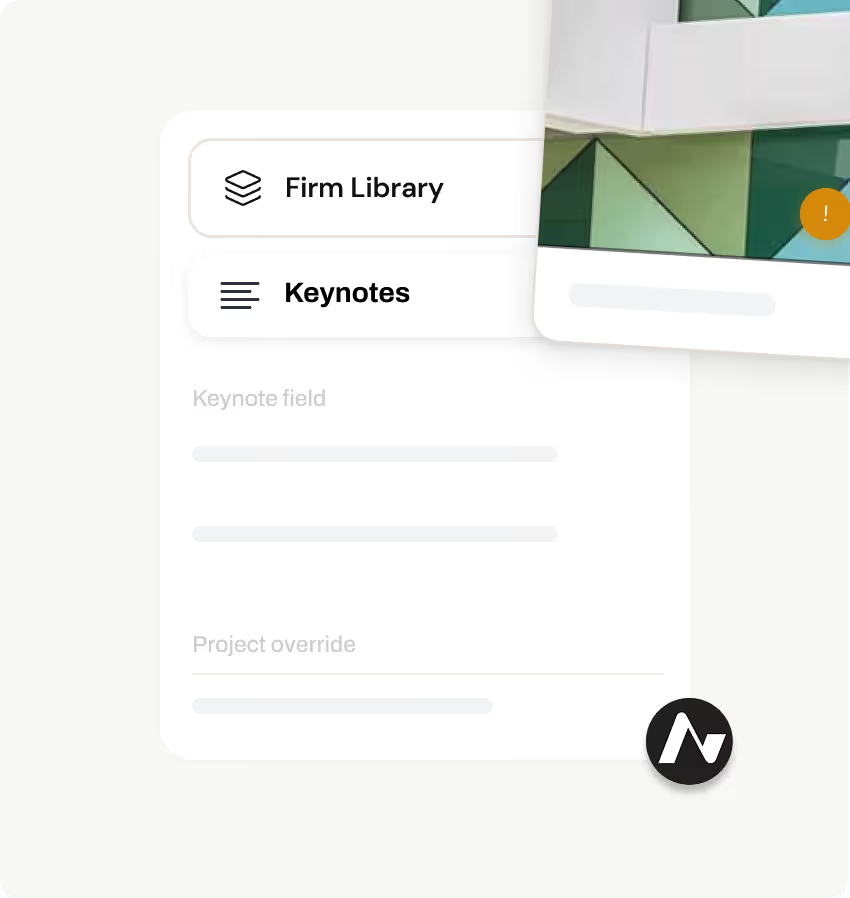
Establish firm-wide keynote/tag control—set standards once in your Firm Library
Automatically inherit keynote/tag values when products are added to projects
Full control to override keynotes/tags for project-specific requirements while preserving firm standards
Integrate
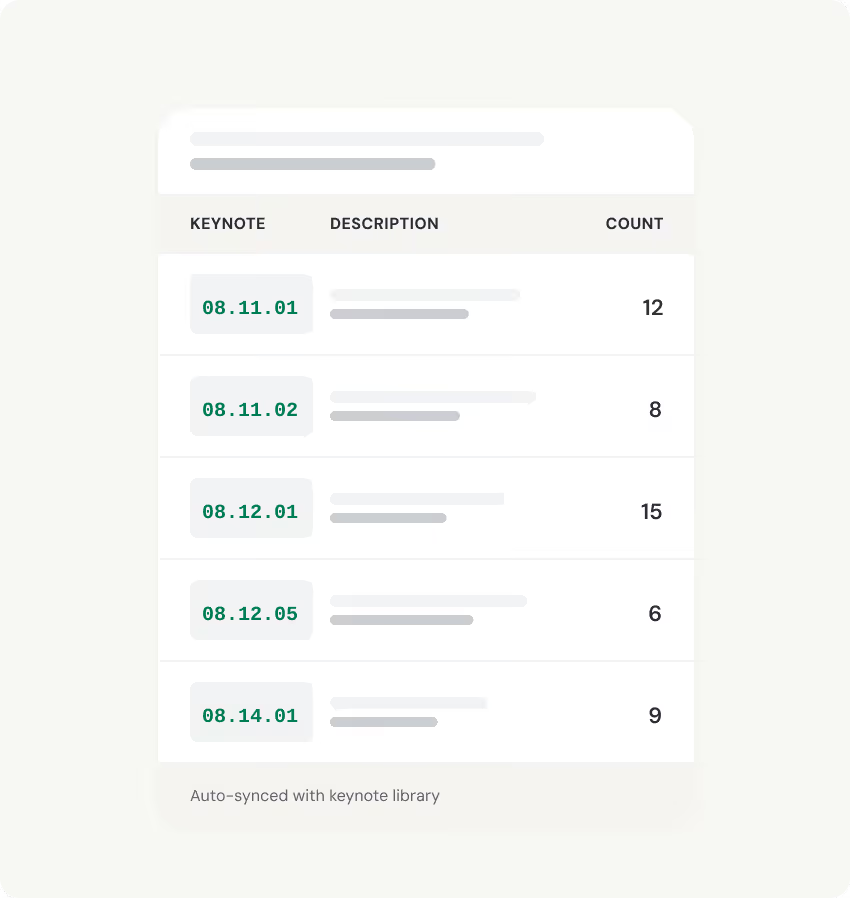
Keynotes flow through SpecPlanner, schedules, and Revit drawings automatically
Keynote values sync bidirectionally with Revit models
Updates in Revit push to Acelab schedules, keeping all documentation aligned
Deliver
Eliminate manual keynote entry and constant cross-referencing
Maintain consistent keynote standards across all projects
Drawings, specs, and schedules stay synchronized automatically

Get started with Material Hub