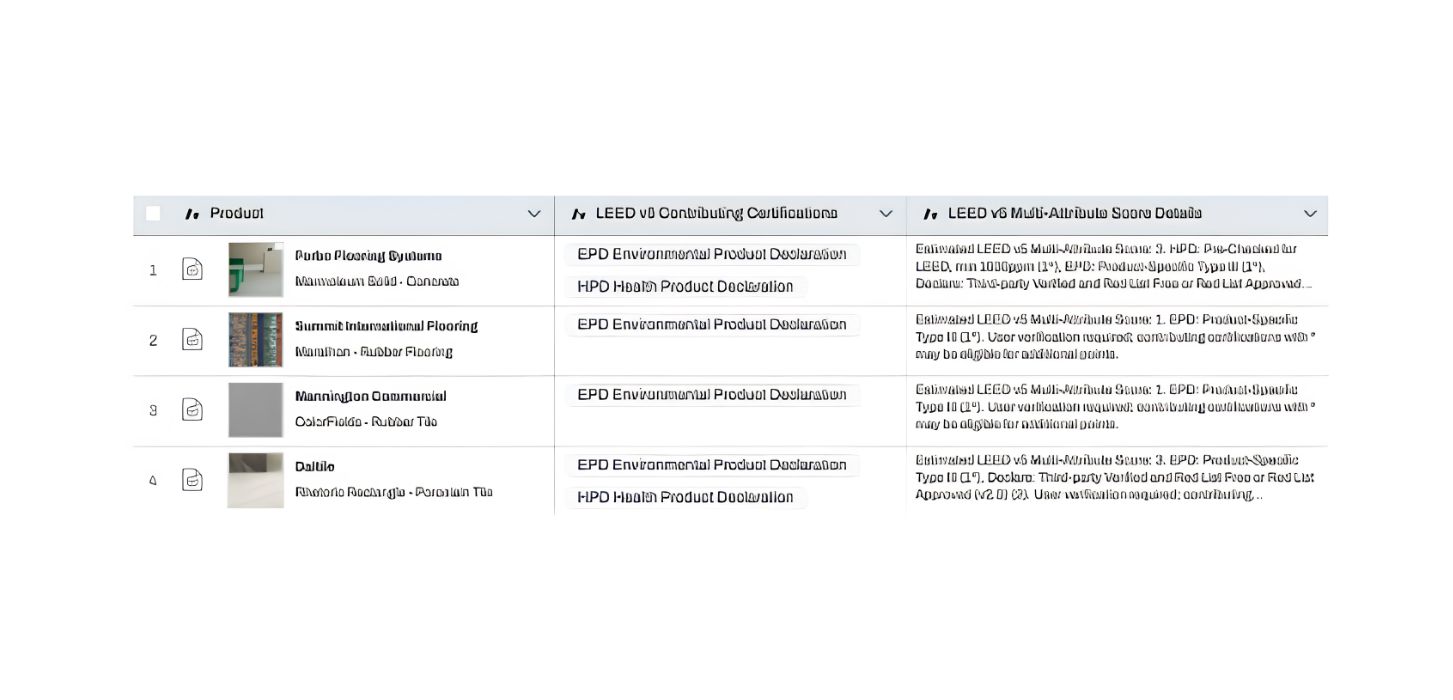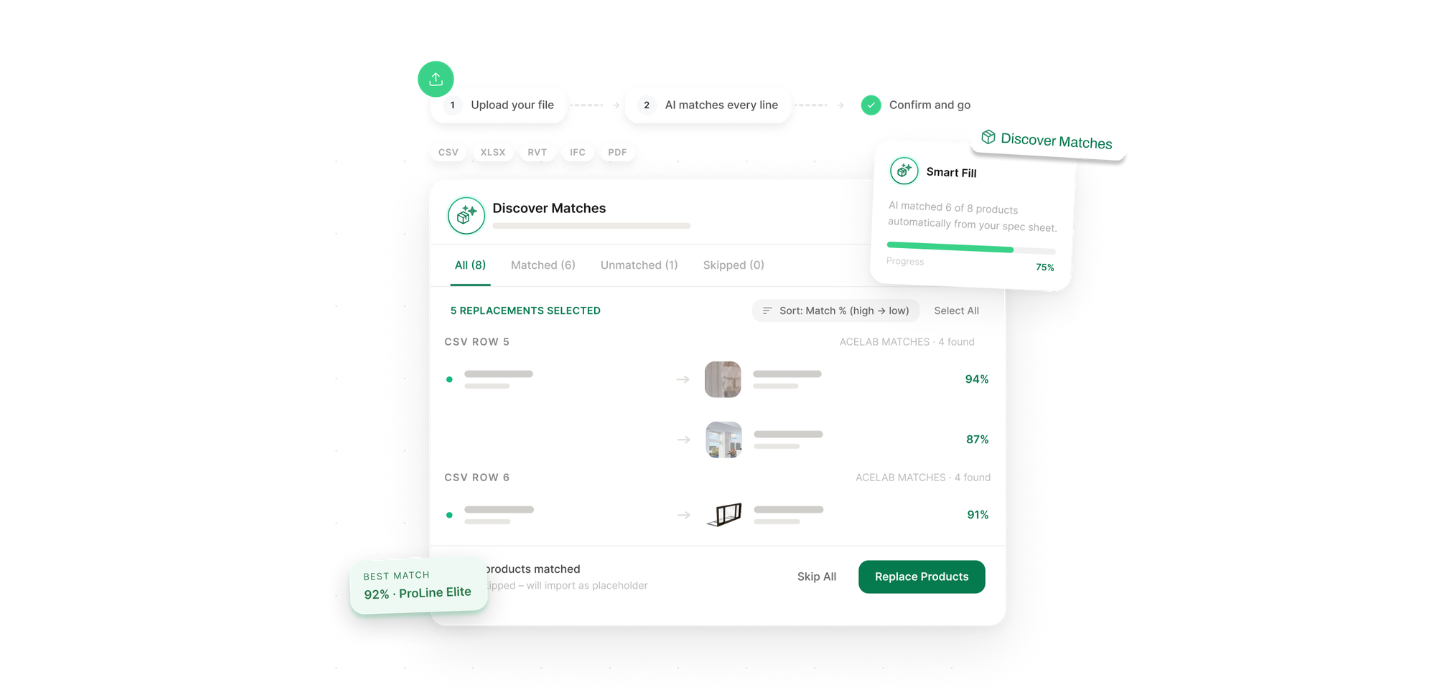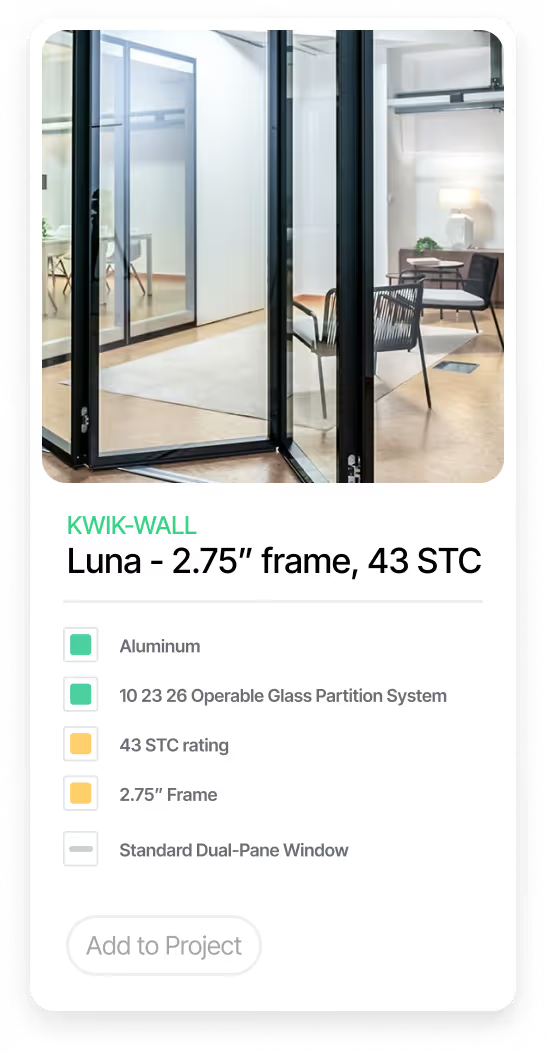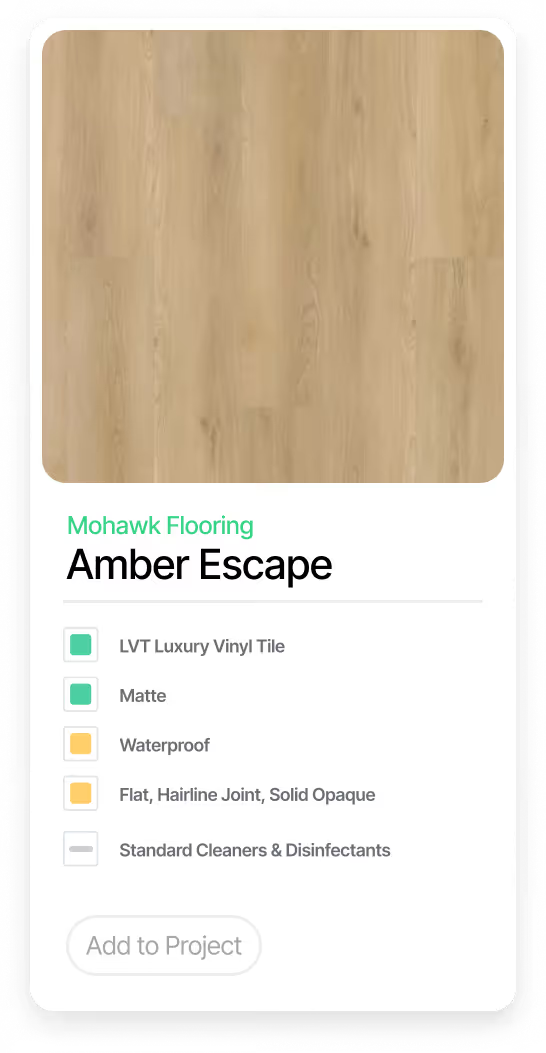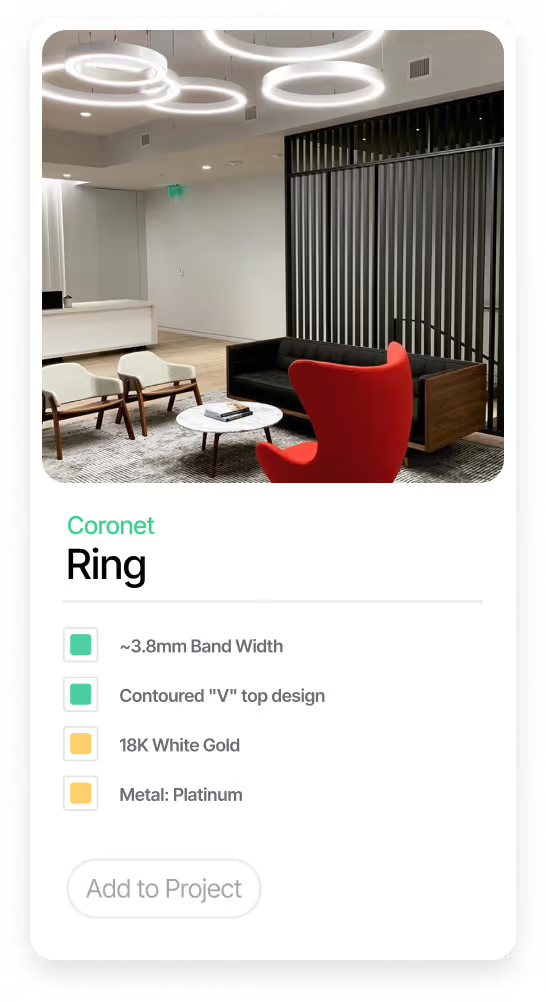


Change a material once and every document follows. Swap a product for another in one room on your schedule, and it updates automatically in Revit. Your material selections, Revit schedules, and specs stay in sync, with no manual re-entry between Acelab and your model.
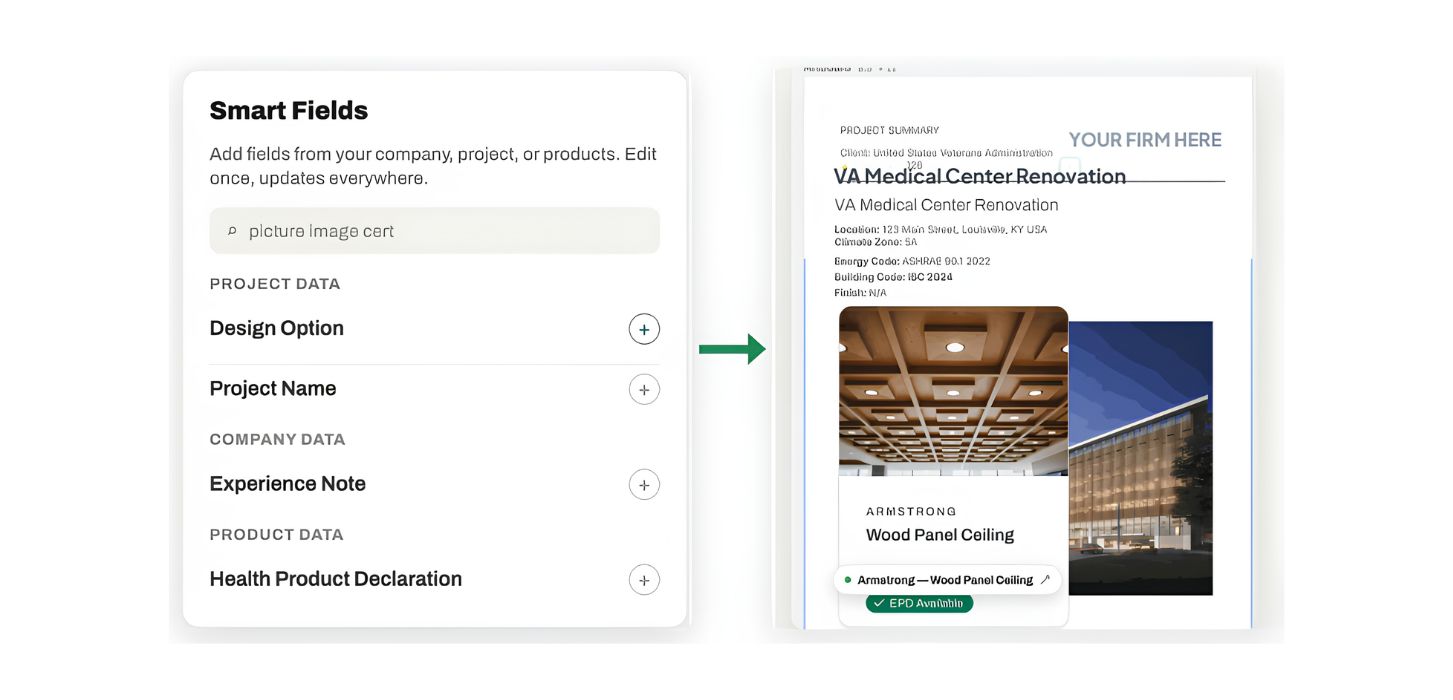
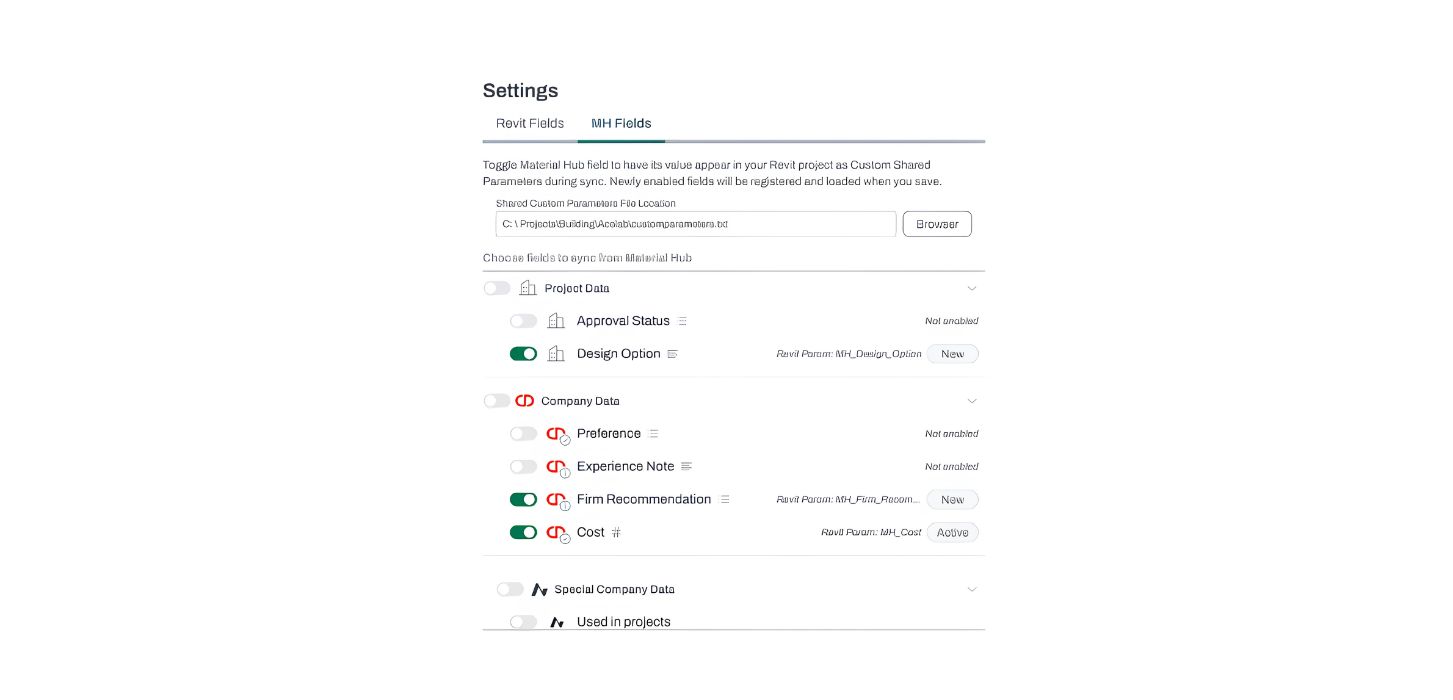
Pro users choose which Material Hub fields sync into Revit as Custom Shared Parameters, extending the plugin beyond the standard fields to your project, company, and product data. Every sync writes Acelab's current values onto your elements and materials. The same material information model that builds your Smart Docs now lives in your Revit parameters. Your team saves time and eliminates the errors that manual updates create.
Material Hub Fields is a Material Hub Pro feature in the Revit plugin, part of the automated Revit annotation and documentation pro suite.