

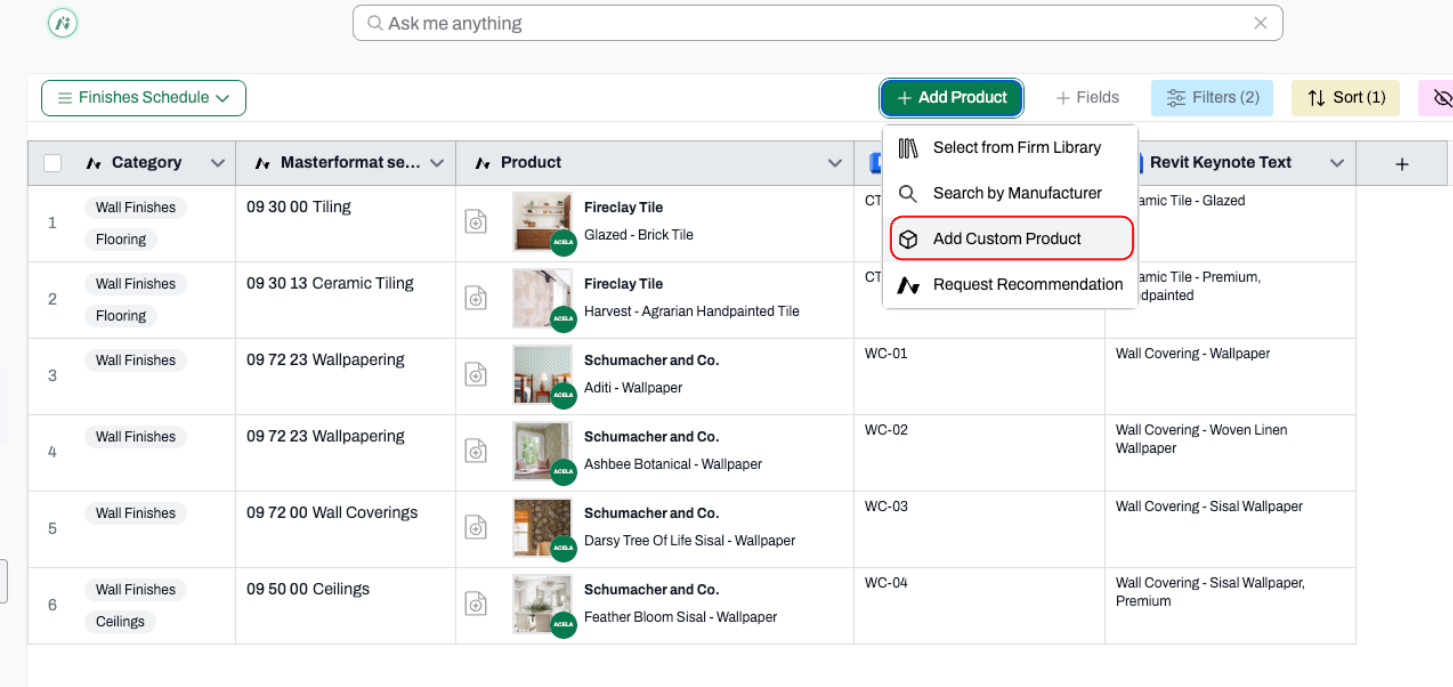
Adding custom products to your project schedule is something you do all the time
So we made it better.
We've combined the "add" and "edit" experiences into a single, consistent window that works exactly the same way regardless of what you're doing.
No more toggling between two separate flows. Just one well-organized form that adapts to the task at hand.
What's new
- One window for adding and editing - The same familiar layout whether you're creating a new product or updating an existing one. No relearning where things live.
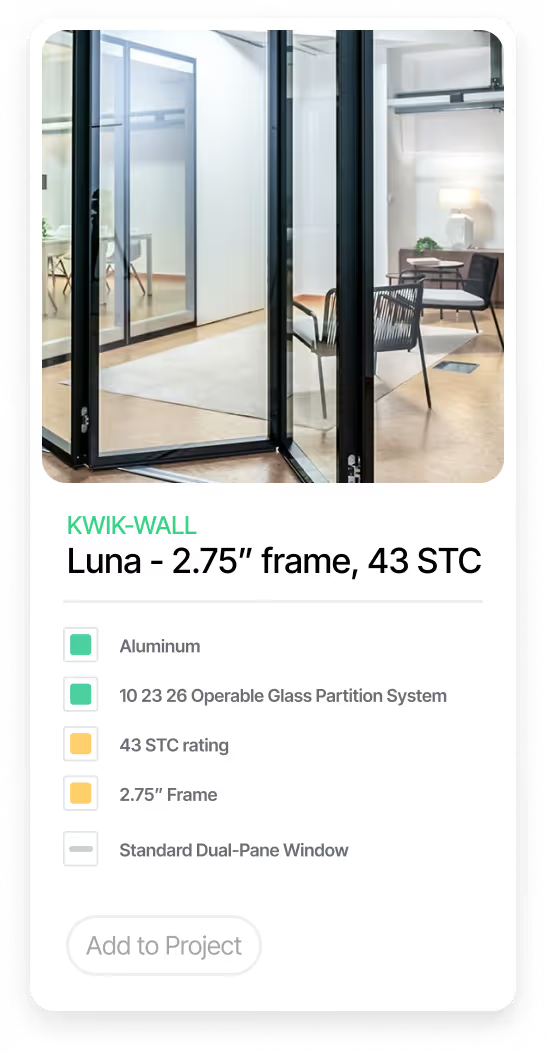
- Smart, connected fields - Select a Manufacturer and watch the Product Line and Product narrow automatically. Choose an Acelab product and the Masterformat Section fills in on its own.
- Drag-and-drop image upload - Drop a product image straight from your desktop. No extra clicks, no separate upload screen.
- Add another product without reopening - Use "Add Another Product" to keep the form open and ready for the next entry when you're on a roll.
- Protection against accidental loss - If you try to close the window mid-entry, a friendly warning will catch you before any work is lost.
You'll find the updated experience anywhere you add or edit a custom product within a Project Schedule. Just open your next project and try it out!